
Trivia Maker [2026]: Build a Game That Teaches
Trivia maker guide for games, classrooms, events, and learning. Compare LearnClash, TriviaMaker, Jotform, Slido, and more.

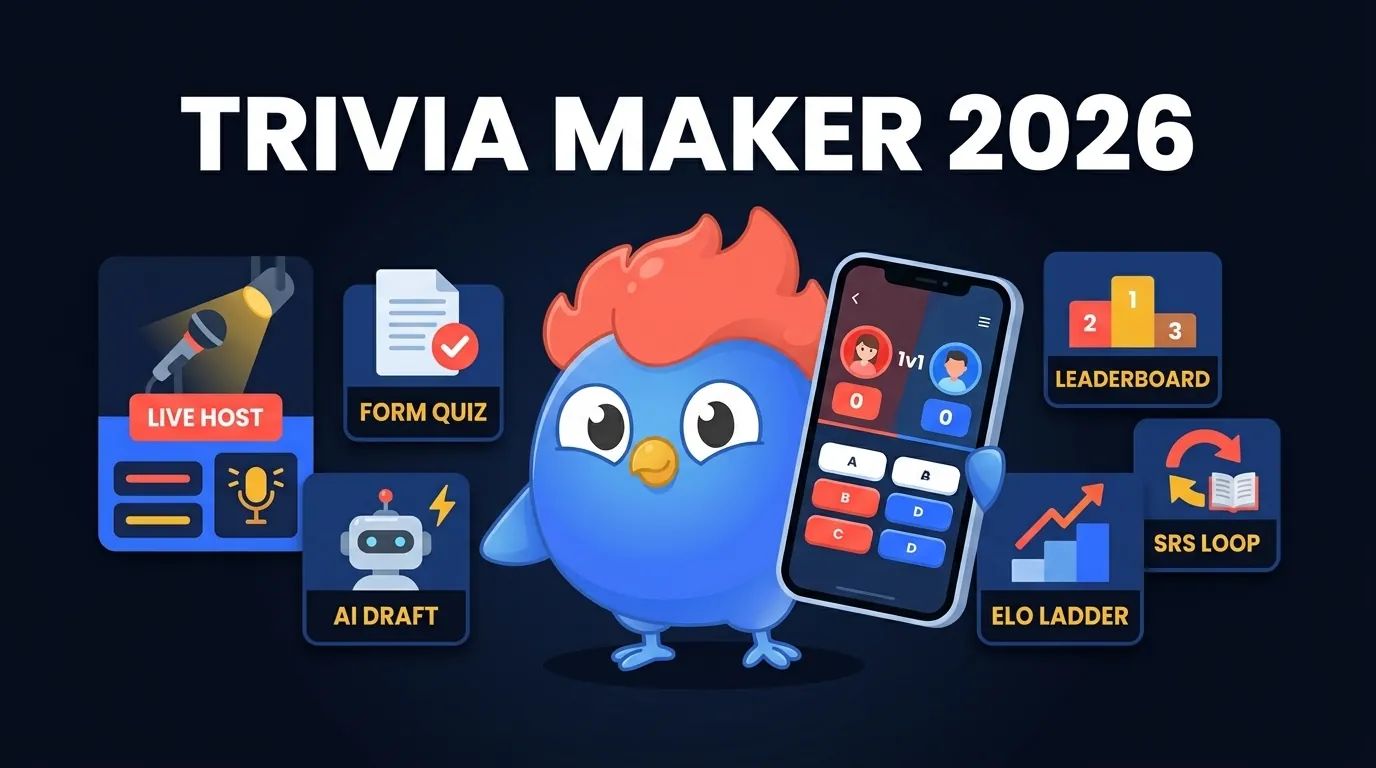
Writing the questions is only the start. Someone still has to join, play the round and see what happens when an answer is wrong.
A trivia maker is useful only when the questions become a game: players join fast, the host controls the pace, scores feel fair, and wrong answers teach something later. In 2026, LearnClash is an option for individual quiz practice because every topic becomes an 18-question duel with ELO ranking and spaced repetition. It is an iOS and Android app rather than a web tool, which matters for some of the jobs below.
Quick Comparison: Best Trivia Makers by Use Case
People type “trivia maker” with very different jobs in mind: a room to host tonight, a quiz embedded on a landing page, thirty questions drafted in a hurry, classroom review, a duel with a friend. The tools below are grouped by intended use, not ranked against one another. Each of them is also a poor fit for at least one job on that list.
| Tool | Use case | Relevant feature | Main tradeoff |
|---|---|---|---|
| LearnClash | Competitive learning | ELO duels + SRS | Not a live projector host |
| TriviaMaker | Game-show hosting | 7 game styles | Free plan limits teams and features |
| Jotform | Embedded quiz forms | Forms, widgets, integrations | Feels more like a form than a game |
| Opinion Stage | Lead capture | Analytics and social sharing | Marketing funnel first |
| Slido | Meetings | Slides, Q&A, polls, leaderboard | Meeting tool before trivia game |
| Trivia Anywhere | No-login events | QR/code join and live hosting | Check the plan’s player cap |
| AI generators | Fast drafts | Topic-to-questions speed | Quality control still lands on you |
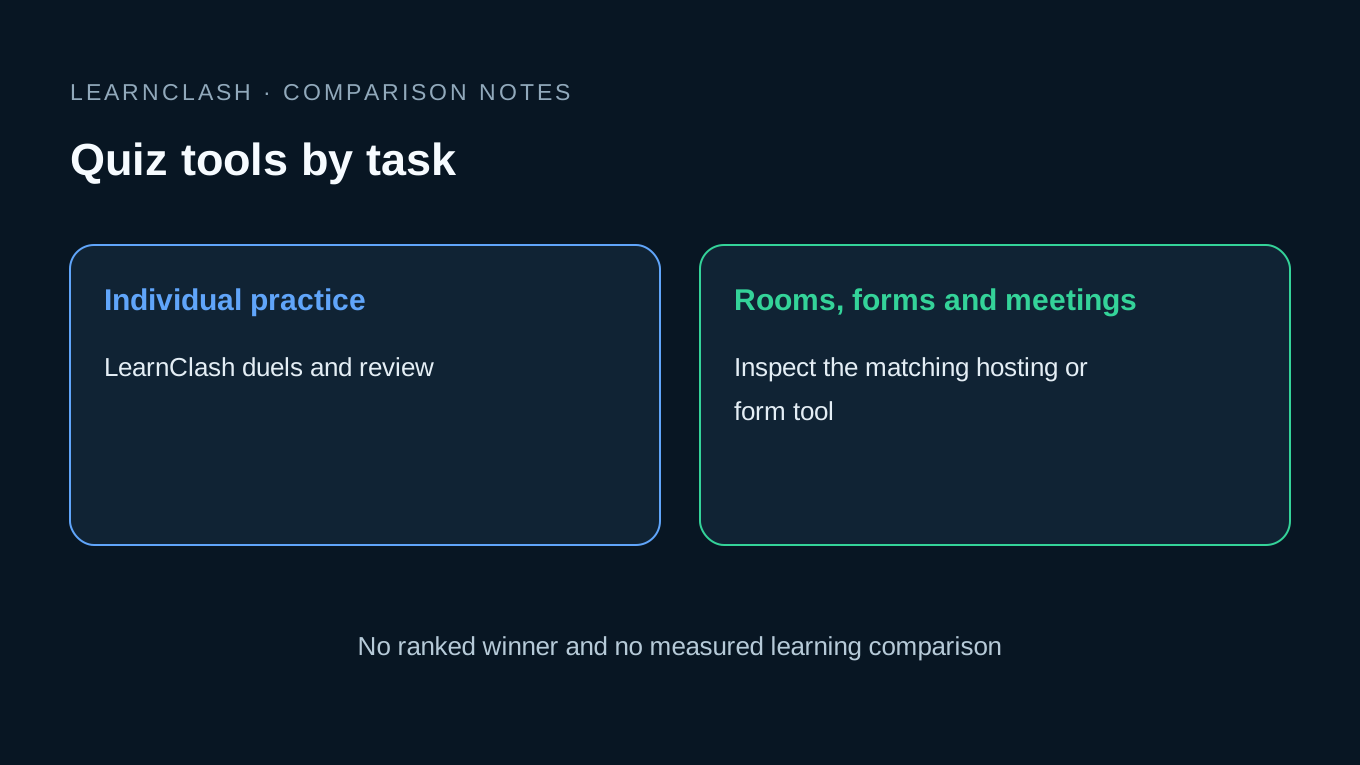
A teacher who types “free trivia maker” wants a room code and a leaderboard by tonight. A marketer wants an embedded quiz and a CSV export. A learner wants the missed question to come back later. All three end up staring at the same second screen, the one that appears after an answer goes in, and that is where the tools diverge: a live host shows a leaderboard, a form builder shows a results page, a learning app schedules the miss for review and offers a rematch.
How This Comparison Was Researched
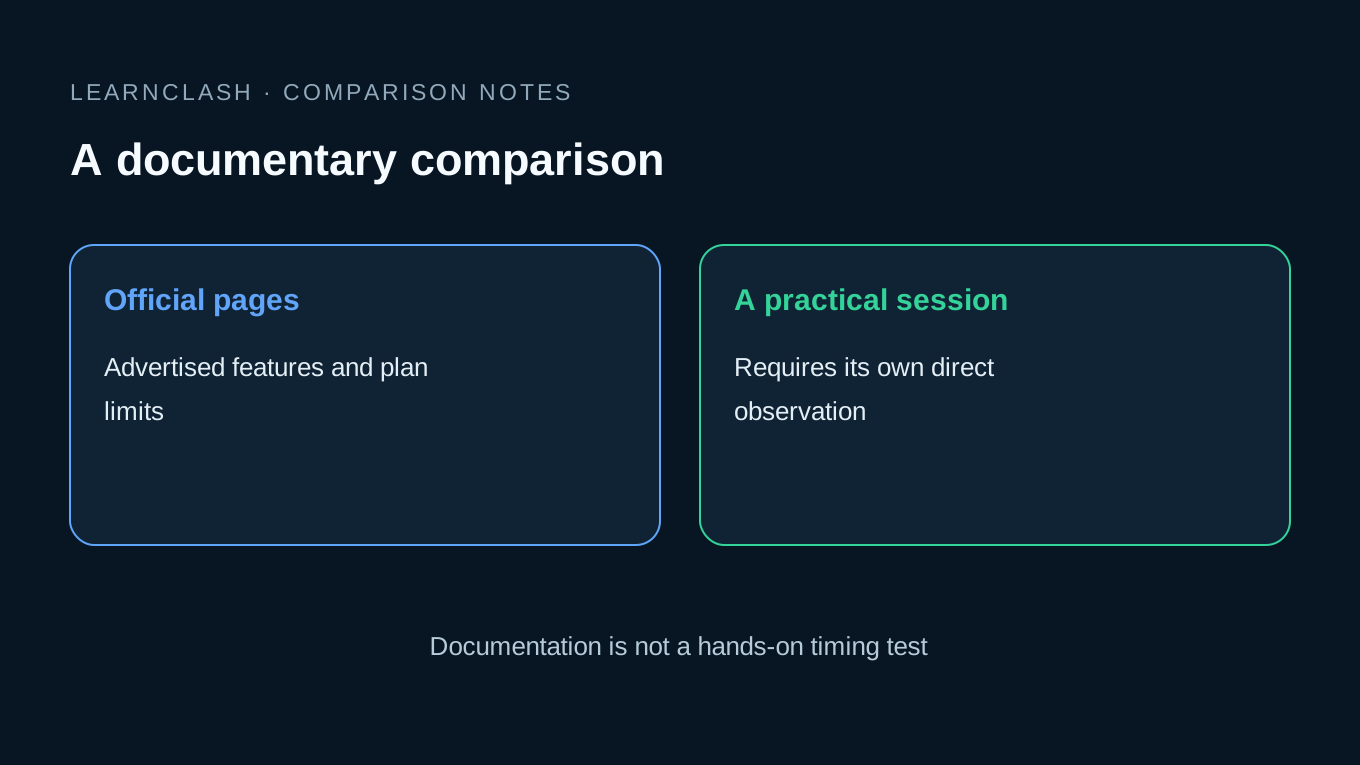
I build LearnClash, so this is a first-party comparison. The criteria are the job you need to finish: create questions, get players in, control pacing, score answers, revisit mistakes and stay within the relevant free-plan limits. We checked the official public product pages on September 21, 2026. The descriptions below are documentary observations, not timed hands-on tests or a measured learning ranking.
A product page can list features, but it cannot tell you whether a room of players will join smoothly on your network, whether your file will import as planned, or whether the tool will help your group learn more. Try the full route. Before an event, try the exact host and participant flow with the devices you will use.
Most tools are built for one of four jobs, and running the wrong job on a slick tool still feels clumsy.
| Job | What the user really wants | Tool type that fits |
|---|---|---|
| “I need a game tonight” | QR join, host control, leaderboard | Live trivia host |
| “I need a quiz on my site” | Embed, forms, email capture | Form quiz maker |
| “I need questions fast” | Topic prompt, draft, answer key | AI generator |
| “I want to learn by playing” | Rematch, rank, recall, review | Quiz duel app with spaced repetition |
| Your requirement | Route to inspect | Why it is relevant |
|---|---|---|
| A returning individual quiz routine | LearnClash | Duels and scheduled question review |
| A projector and teams | TriviaMaker | Presenter and game-show formats |
| A quiz within a form workflow | Jotform | Embeds and form integrations |
| A marketing quiz with results analytics | Opinion Stage | Lead capture and response analysis |
| Quizzes inside meetings | Slido | Meeting and slide integrations |
| Browser participation by code | Trivia Anywhere | A dedicated live-game join route |
These are product-fit observations, not scores. More features do not necessarily help with your particular task.
LearnClash: Duels and Scheduled Review
LearnClash fits a different task from hosting a room: returning to topic-based questions with an opponent or in Solo. No slide deck to build. You pick a topic, and it spins up an 18-question duel, puts your ELO rating on the line, tracks what you miss, and feeds those misses back through 3-stage spaced repetition.
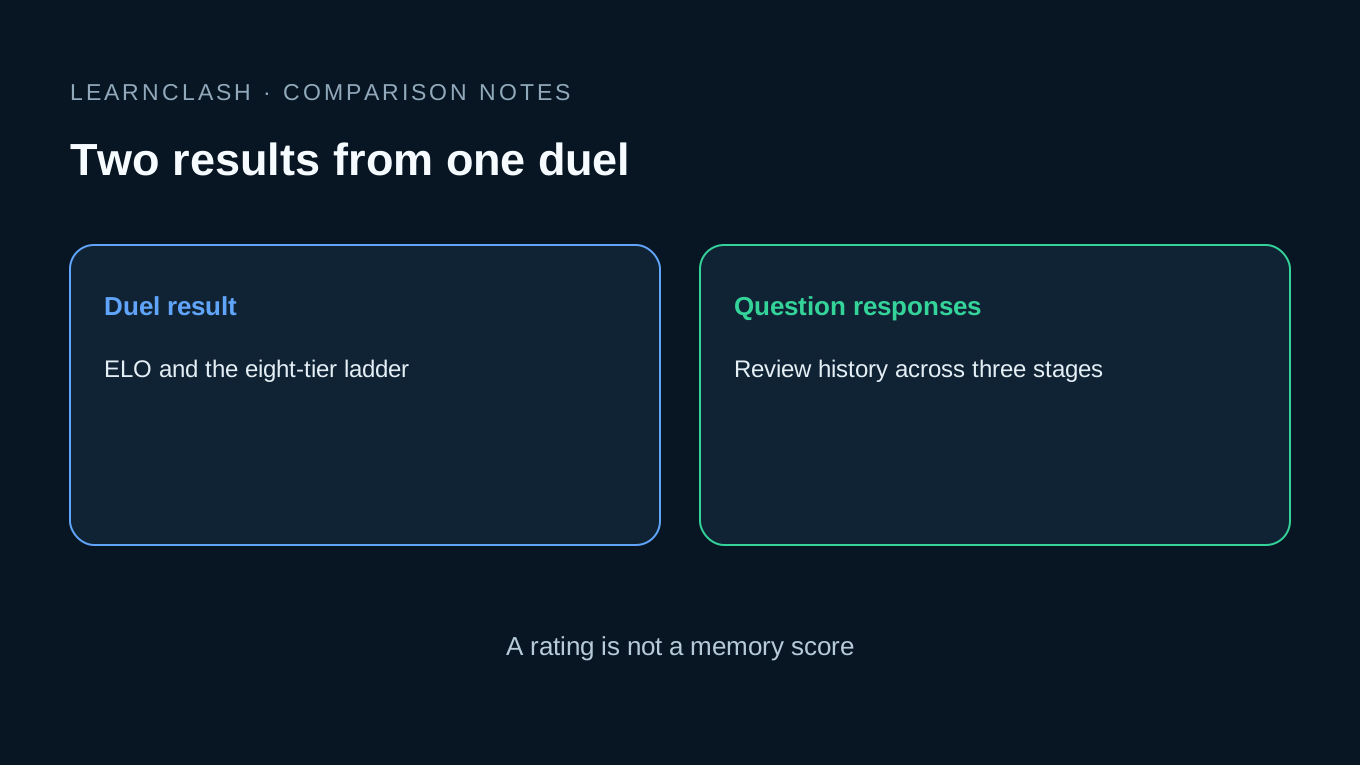
LearnClash is not pretending to be a TV studio. It chases a different problem: “I want this topic to stick, and I want the game to make me care.” A question draft still needs a format for play and a reason to return.
| LearnClash mechanic | Public fact |
|---|---|
| Standard duel | 18 questions, 6 rounds of 3 |
| Question timer | 45 seconds |
| Turn window | 72 hours, asynchronous |
| Rating system | ELO, 8 leagues from Iron to Phoenix |
| Starting rank | 1300, Gold II |
| Memory loop | 3-stage spaced repetition |
| Free tier | Daily duels, ELO, scheduled review and one Solo session per local day; no ads |
You pick a topic, play through it, miss something along the way, and that missed item resurfaces when the system decides you are due to see it again. Each answer feeds the review history. Completed duel results affect ELO; an individual answer is not a separate rating result. There is a real limit. LearnClash is the wrong call if you need one host on a stage clicking through questions while 80 people answer on their phones. For that, reach for TriviaMaker, Slido, or Trivia Anywhere. LearnClash fits when the unit is the learner, the friend duel, or the daily habit.
The games like Kahoot comparison covers the live-room burst in depth, and competitive learning discusses the design of practice with an opponent.
The mechanics table, playable.
Pick a topic, play 18 questions, and see which ones come back for review.
TriviaMaker: Best Game-Show Style Trivia Maker
TriviaMaker takes the room. If you host a game-show night, it is the pick, because it is built for projector play, teams, custom branding, and event pacing. Stagecraft is its whole thing: grids, wheels, lists, buzzers, crowd modes.
TriviaMaker is built around hosted game formats. At the September 21, 2026 documentation check, its homepage lists 7 game styles (Grid, List, Trivia, Wheel, Tic Tac, Hangman, and Fusion), with players joining from any browser via a 6-digit code or QR code. It runs across web, iOS, Android, Apple TV, and Android TV.
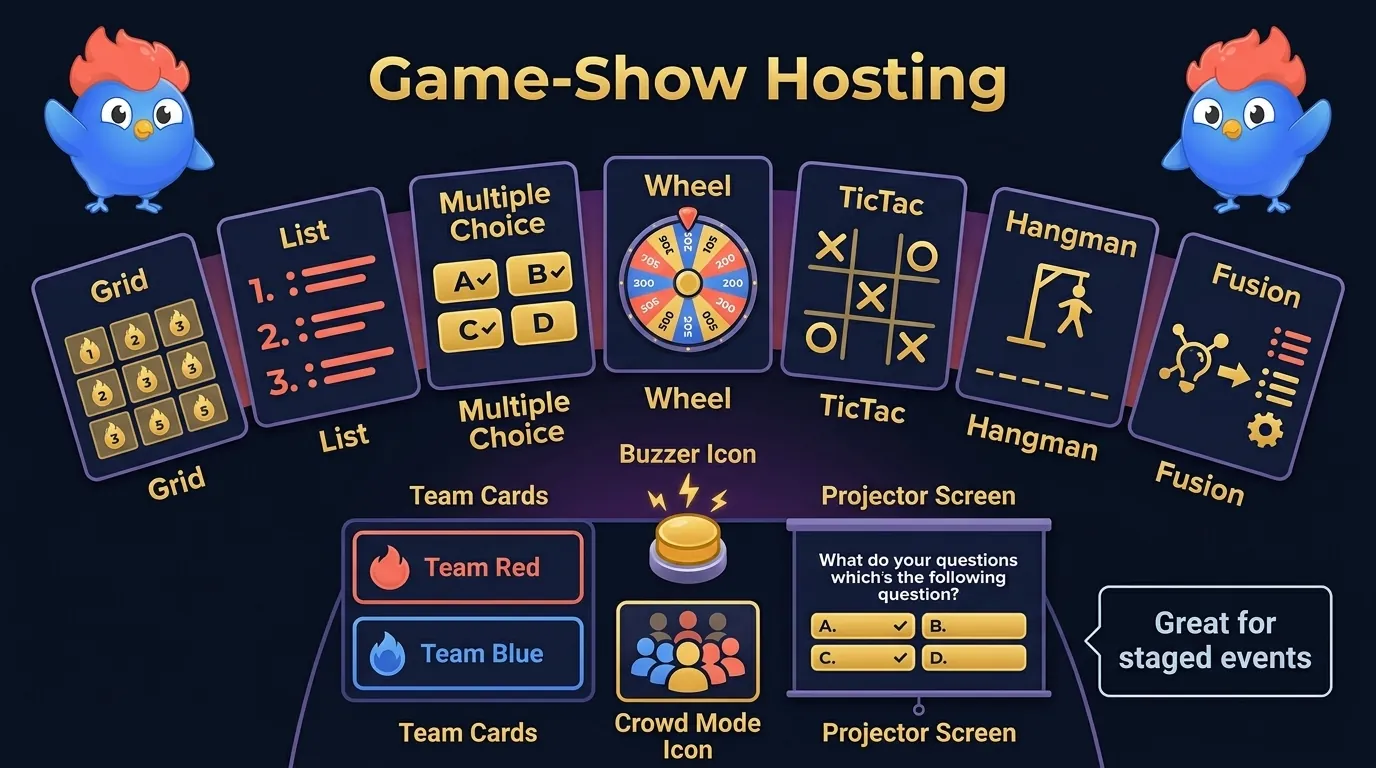
The official pricing page is where the plan limits become clear. When checked on September 21, 2026, the free Basic plan included 3 of the 7 game styles and capped Basic and Presenter modes at 2 teams, Buzz mode at 20 buzzers, and Crowd mode at 20 participants. Paid tiers lift those caps to 50 and then 200, add customization, and open more entries for assignments or embedded play. Enterprise lists up to 2,000 for Buzz and Crowd; its Basic/Presenter team limit is a different field. Do not treat every mode as a 2,000-person room.
Church events, youth groups, classroom review, corporate training: TriviaMaker fits all of them, because each has a host, a room, and a screen. Take the host and the room away, one person on a phone trying to learn Ancient Rome, and the same setup starts to feel heavy.
Game-show formats can hide weak questions. A wheel spin and a buzzer make a bland prompt feel better for five minutes, but they do not fix memory by themselves. For the mechanism that does, read spaced repetition.
Jotform and Opinion Stage: Best Trivia Makers for Forms and Leads
Sometimes the quiz is really a form, a campaign, or a lead-capture path. That is Jotform and Opinion Stage territory: embeds, answer routing, analytics, templates, follow-up workflows.
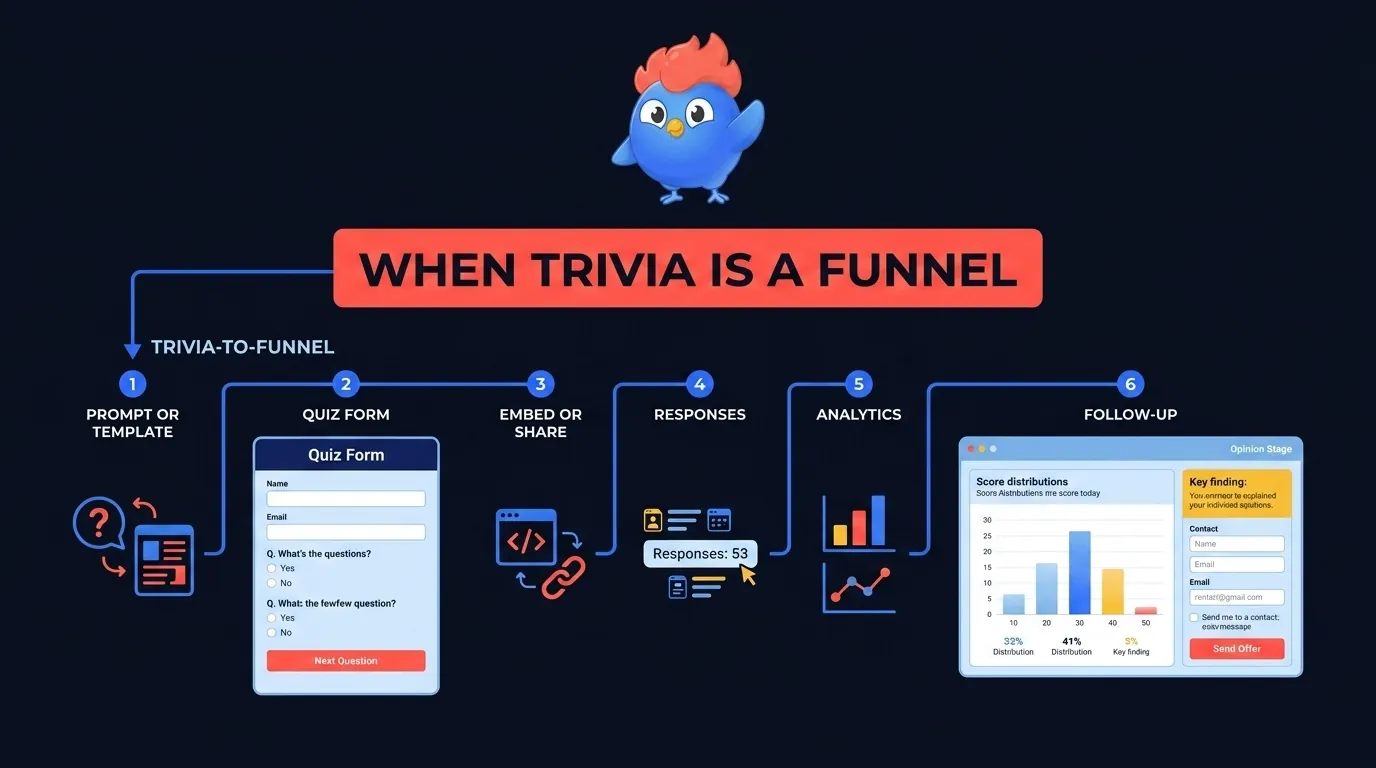
Jotform is the natural pick when the trivia quiz has to sit inside an embedded form workflow. Its trivia maker page leads with templates, drag-and-drop editing, images or videos, plus fill-in-the-blank, open-ended, and multiple-choice questions, and from there it nudges you toward conditional logic, integrations, widgets, and share options, which is what a marketer building a campaign wants and what a pub host will never touch. That is the job.
Jotform’s AI trivia generator shaves off another step. Enter a prompt or upload a file, set question count, language, and question type, then review and share. Teachers, businesses, event organizers, and marketers who need a draft fast are the audience. The draft still needs a read.
Opinion Stage: results and follow-up
Opinion Stage leans on the lead-capture angle harder than Jotform does. Its trivia page talks traffic, engagement, leads, social sharing, results screens, completion rates, drop-off, AI insights, and CSV or XLS export. It reads more like a quiz funnel than a pub-night host.
Jotform fits when the quiz is a data object with fields, uploads, routing, notifications, and exports. Opinion Stage fits when the quiz is a content-marketing asset and the results screen matters. Neither public trivia page established a recurring per-item review scheduler in this check. That is a documentation limit, not proof that a custom follow-up workflow is impossible.
Slido and Trivia Anywhere: Best Live Event Trivia Makers
For live-room trivia, the kind where everyone joins at once, Slido and Trivia Anywhere are two relevant routes to inspect. They are built for meetings, projectors, QR joins, host-controlled pacing, live scores, and the energy of a room.
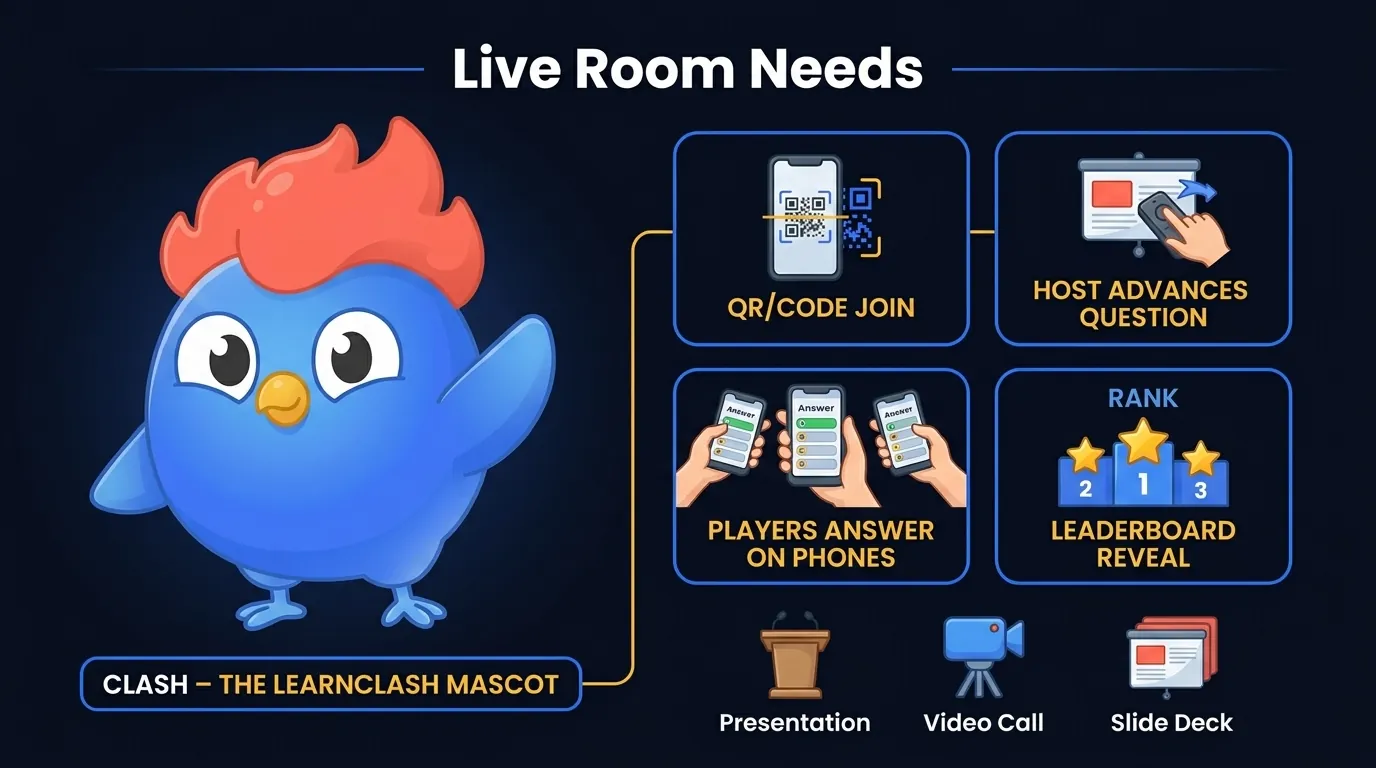
Slido is the meeting pick. The quiz flow stays simple: you create the quiz, participants join with a link or QR code, you activate questions one by one, and the leaderboard goes up on screen. Because it plugs into PowerPoint, Webex, Google Slides, Microsoft Teams, and Zoom, it is also an easier sell inside a company than a trivia startup nobody in IT has heard of.
Trivia Anywhere is the more focused answer for a dedicated trivia host. At the September 21, 2026 check, its public pages described live trivia games, timed questions, instant scoring, animated leaderboards, big-screen presenter view, QR or game-code join, no account or app download for players, CSV import, AI question generation, image and video questions, team mode, and no per-participant fees. The free homepage offer is capped at 25 players, so no per-participant fee does not mean unlimited free attendance. “No account or app download for players” is the line in that list that matters.
For example, a host with twenty guests needs to know whether they can join, read the screen and follow a whole round. Try that route on the devices you will use before paying for a larger plan.
| Live-event need | Slido | Trivia Anywhere | LearnClash |
|---|---|---|---|
| QR or code join | Yes | Yes | App/deep-link flow |
| Host advances questions | Yes | Yes | No host console |
| Big-screen leaderboard | Yes | Yes | Not the main job |
| Meeting integrations | Strong | Lighter | Not the job |
| Scheduled per-item review | Not established by the quiz page | Not established by the homepage | Three-stage SRS |
AI Trivia Generators: Fast Drafts, Weak Game Loops
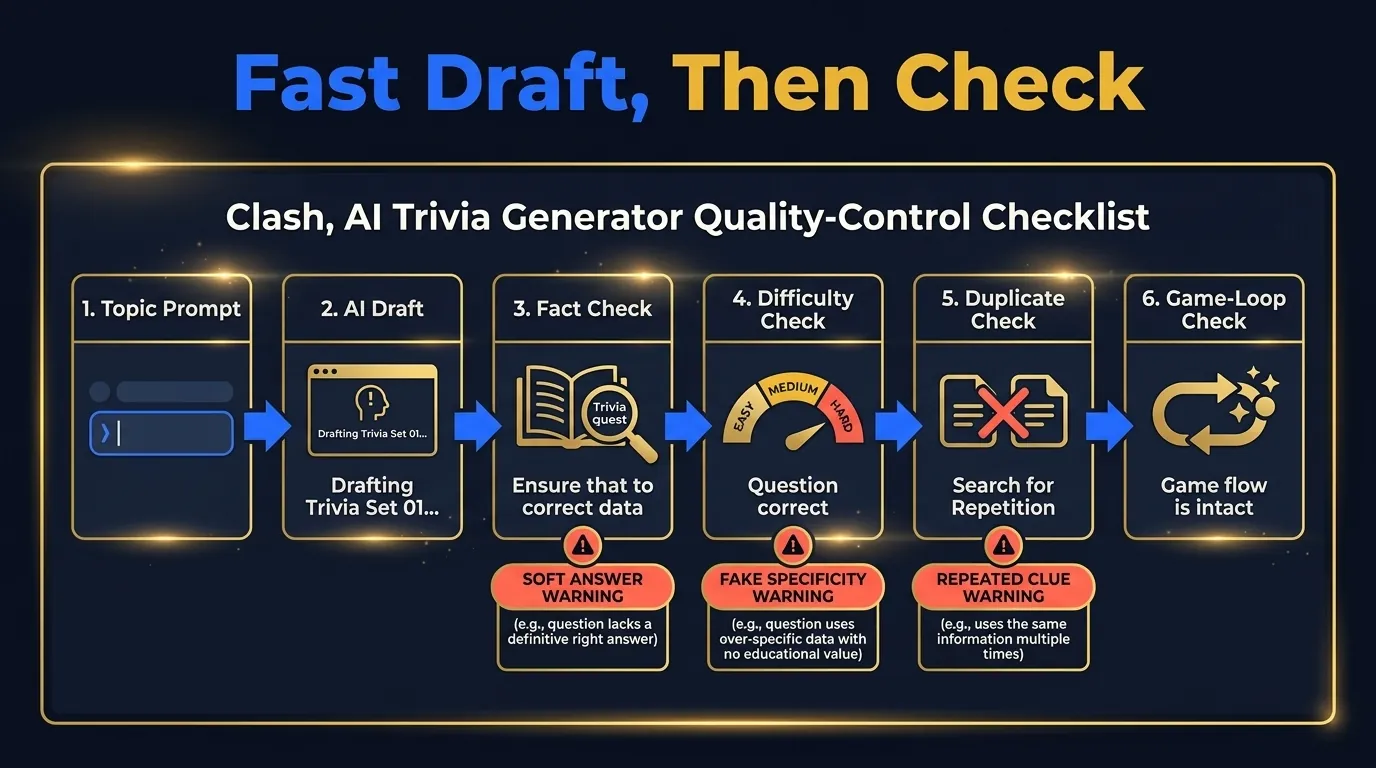
An AI trivia generator can propose questions from a prompt, a PDF or a topic. The resulting text is a draft. Where these tools wobble is everything after the draft: facts, difficulty, duplicates, answer wording, gameplay. New AI trivia tools keep appearing. Jotform advertises generation from prompts or uploaded material, while Trivia Anywhere advertises AI-assisted trivia creation within a hosting product. This guide does not rank generation speed or factual accuracy: neither was measured in a shared test. A draft is an input to editorial review, not a finished game merely because it contains an answer key.
Trivia questions fail in dull, predictable ways:
| Failure mode | What happens |
|---|---|
| Duplicate clue | Two questions test the same fact |
| Soft answer | More than one answer is defensible |
| Bad difficulty | One round has no spread |
| Fake specificity | The question sounds precise but is wrong |
| No game layer | The set is a worksheet with confetti |
I can put numbers on how much checking a question set still needs after it exists, because we run that check on our own corpus. On July 27, 2026 I exported the first-encounter answer distribution for every question in LearnClash production: for each question, how the answers split on players’ first exposure to it. The scan covered 39,113 question docs; 267 questions cleared the publishable bar of at least 30 first-encounter answers, and 21 rows had a single wrong option collecting a larger share of first answers than the correct one.
Then we ran a separate fact-check on the 30 questions where a single wrong answer drew the largest share of first answers, plus every one of those 21, and that pass is the part anyone using an AI trivia generator should care about. One question was factually wrong: the stem asked when a child’s kneecaps fully harden, while the keyed answer, ages three to five, is when the bone starts forming. Seven more were ambiguous enough that a second answer was defensible. One fact, that a banana is botanically a berry, existed as two separate questions in two topics. And 13 of the 21 wrong-beats-right margins sat inside sampling error at roughly 30 to 40 answers each, which is why none of them is quoted here as a headline.
Fact-check of the top rows in LearnClash’s July 27, 2026 production export: 1 question factually wrong, 7 ambiguous, 1 fact duplicated across two questions, and 13 of 21 wrong-beats-right margins inside sampling error. All in a corpus of 39,113 question docs that players had been answering live.
Three rows of the failure-mode table (duplicate clue, soft answer, fake specificity) showed up in a corpus where new questions already pass through an automated validation step that checks for exactly one correct answer. The kneecap question was rewritten in production the same day and the ambiguous ones went into a rewrite queue. Review the questions you plan to use before you run the game. This selected-row audit does not establish the error rate of LearnClash or any other generator.
How to Choose a Trivia Maker
Start with the constraint you cannot change: who is in the room, and what device they are holding.
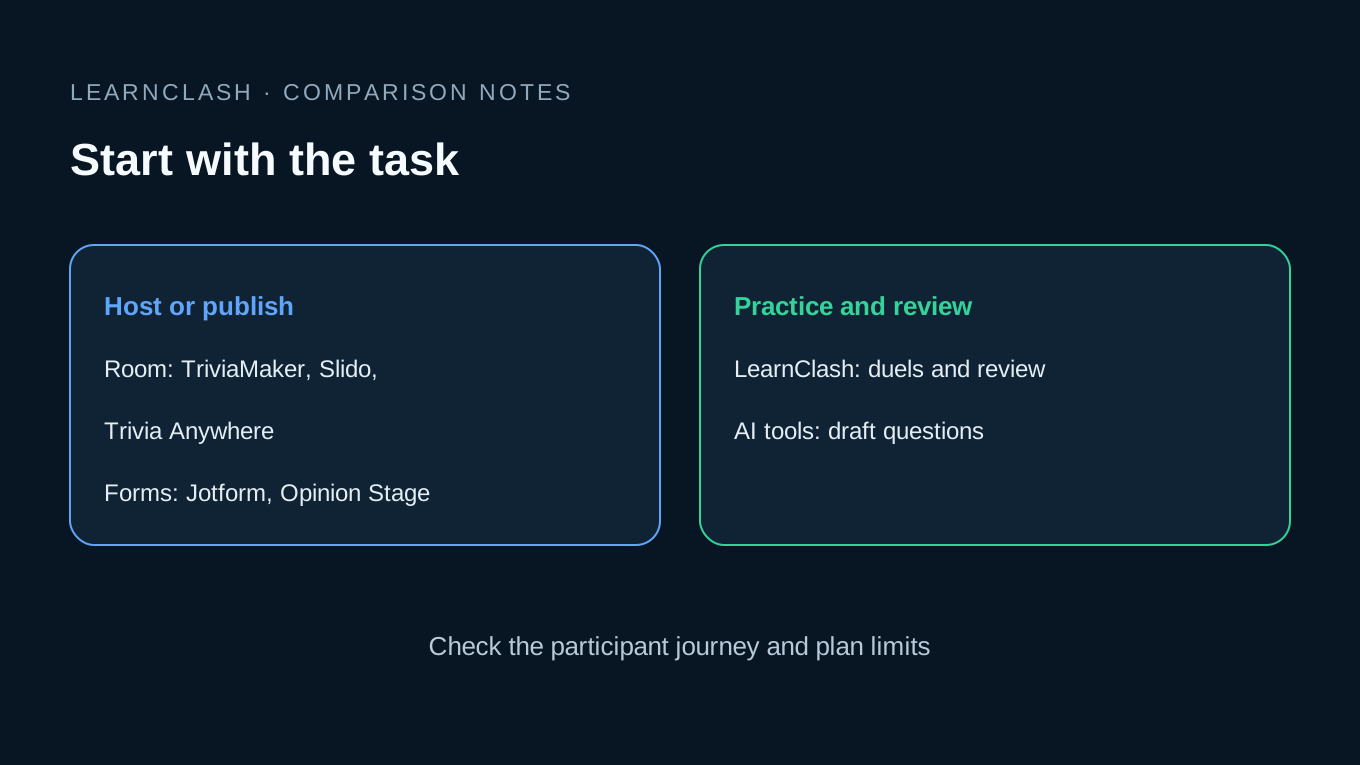
Players who need to join without an account point you toward Trivia Anywhere or Slido. A quiz that has to live on a marketing page points to Jotform or Opinion Stage. A host who wants a game-show board with teams and buzzers wants TriviaMaker. One learner who wants to practice any topic and climb a rank wants LearnClash, and an AI generator sits upstream of all of them as a drafting step.
The trap is paying for a feature name before checking the task: a teacher may buy a form tool after seeing “AI quiz generator,” then discover that the class needs a live scoreboard and host controls that the chosen plan does not offer. It happens at events too. A host sees “free trivia maker” and only later runs into the player cap. A learner sees “trivia game” and winds up with a one-off score screen that never circles back to the answers they missed.
Before paying, create one short quiz, join it as a player, and miss a question on purpose. Check what happens next against your needs: a live event, a lead form and a study routine need different responses to that miss.
Match the Tool to the Task
LearnClash for competitive learning, TriviaMaker for staged hosting, Jotform and Opinion Stage for embedded forms and leads, Slido and Trivia Anywhere for live-room control. The LearnClash comparison hub collects the rest of the head-to-head app decisions.
A closing admission about this page itself. For nearly three months, no other article on this site linked to it: when I ran an internal-linking audit on July 24, 2026, this comparison had zero in-content inbound links from our own articles, and only the auto-generated cluster index pointed here. That July observation is historical, not a current link count. I mention it because it is the same failure this guide keeps describing, writing the questions and then skipping the loop that brings people back to them.
Frequently asked questions
What is the best trivia maker in 2026?
LearnClash is an option for individual quiz practice because it turns any topic into 18-question duels with ELO ranking and spaced repetition. TriviaMaker is better for game-show hosting, Jotform is better for embedded forms, and Slido is better for live meeting quizzes.
What should a trivia maker include?
A good trivia maker needs question creation, player joining, scoring, host control, difficulty settings, answer review, and a clear next step after the game. LearnClash adds ELO ranking and spaced repetition, which matters when trivia is meant to teach instead of only entertain.
Is a free trivia maker enough for a live event?
A free trivia maker can work for small events if it supports QR or code join, no player login, host-controlled pacing, and visible scores. Check participant caps first. Some free plans limit teams, players, customization, exports, or the game modes hosts actually want.
Can AI make good trivia questions?
AI can draft trivia questions quickly, but hosts still need to check difficulty, answer accuracy, duplicate clues, and unfair wording. LearnClash is designed for repeated quiz play because the game loop keeps missed questions active through spaced repetition.
Is a trivia maker different from a quiz maker?
A quiz maker often produces forms, tests, or assessments. A trivia maker should produce a playable game with pacing, scoring, teams or players, and a reveal loop. The best choice depends on whether you need a classroom test, a lead form, a live event, or a learning game.