
Virtual Scavenger Hunt: 73 Ideas and Simple Rules
Plan a virtual scavenger hunt with 73 prompts, Zoom rules, age-based lists, and privacy-friendly ideas for remote teams and friends.


A mug is an easy first find. A passport is a bad second one. The best scavenger-hunt list gives everyone something to show without asking them to reveal something private.
A virtual scavenger hunt lets people find objects, solve prompts, or share photos from their own space. Choose from the 73 ideas below, then use the work, adult, or child-friendly variations. The six-round example takes nine minutes of searching, plus instructions and scoring.
I suggest groups of four when one host needs to see every answer. That is a hosting preference, not a result from a rope-pulling experiment.
What Is a Virtual Scavenger Hunt?
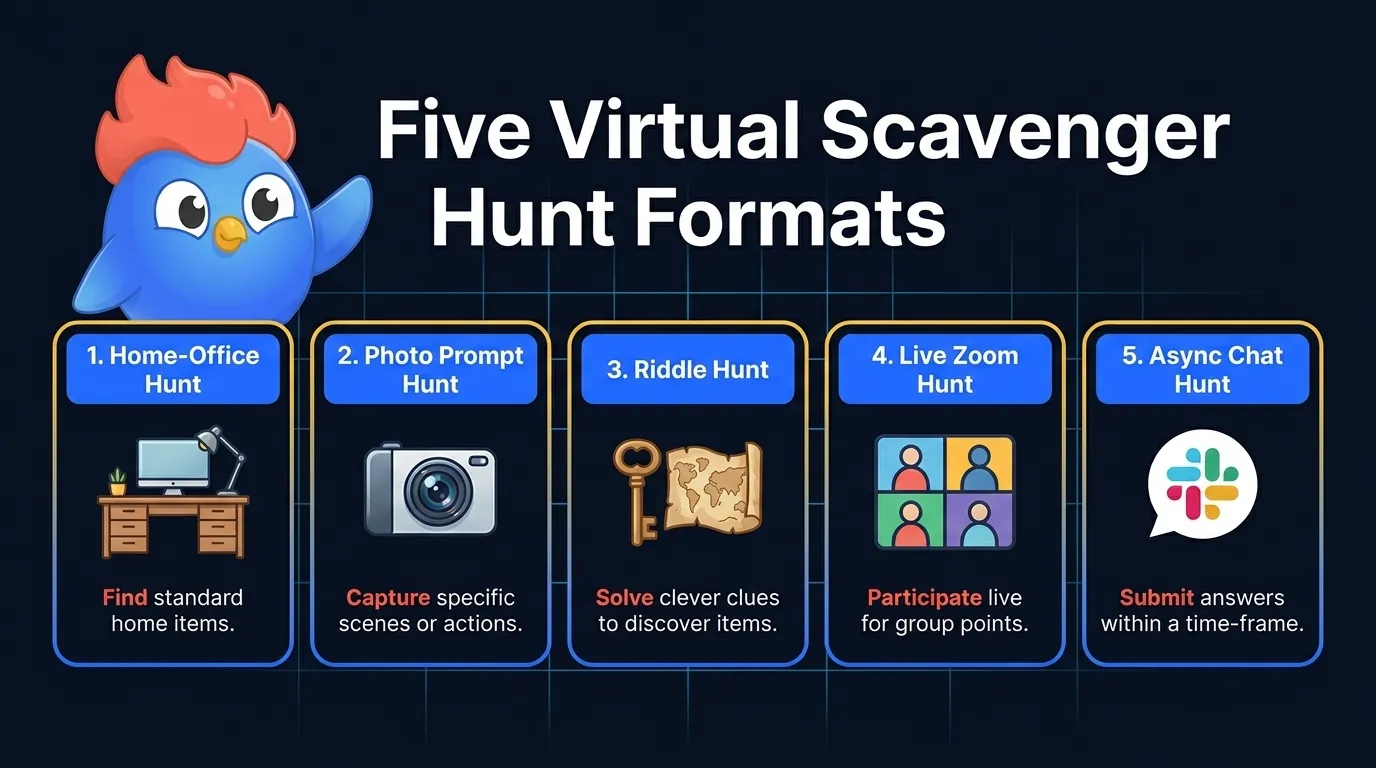
A virtual scavenger hunt needs a list, a clock, and a way to show answers. In a live video call, the host reads a prompt and players show an object or an agreed substitute. In chat, everyone responds before a shared deadline.
Choose a home-office hunt for a quick meeting, a photo hunt for an afternoon, or a clue hunt when the group wants puzzles. A plain chat or video call is enough for the format described here. Do not assume that buying a specialist app will solve unclear rules.
Scoring Rules You Can Explain Before Round One
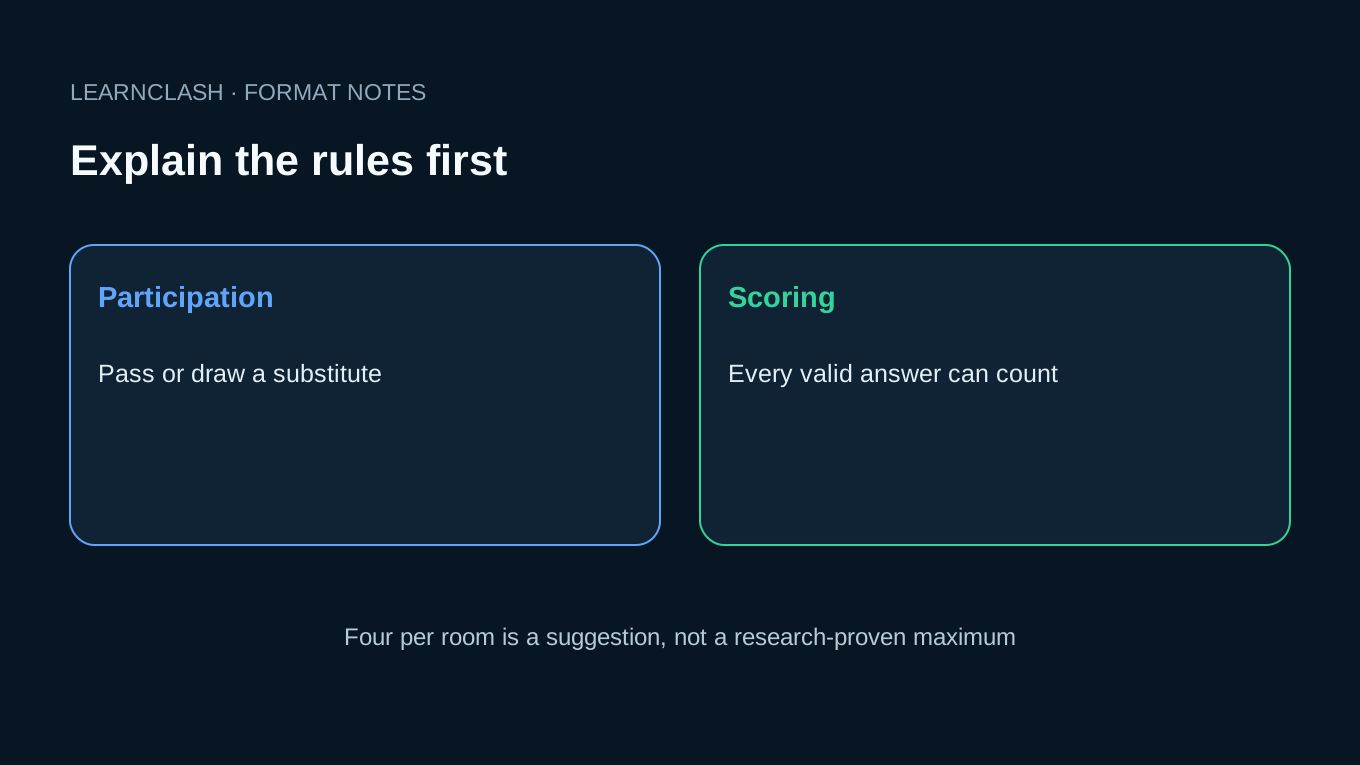
For a first session, try four players per room, three prompts per round, and 30 seconds per prompt. Add time for reading, movement, and camera delay. If someone needs longer or prefers to stay seated, change the task before the timer starts.
Earlier versions of this guide treated Ringelmann’s group rope-pulling research as proof of a four-person Zoom limit. That inference was not supported. The translated editions also described a May 2026 test and participation results for which we have no verifiable record. Those claims and the chart have been removed in this September 22 correction. This guide does not establish a measured team-building benefit.
What matters for your session is whether each person can see the prompt, choose a safe answer, and have their answer noticed. Use these rules as a starting format:
- Award one point to every valid answer shown before the round closes. Avoid fastest-camera scoring when connections differ.
- Allow a pass or a drawn substitute without explanation. Someone’s home, health, or access to objects should not become the joke.
- Ask permission before saving a photo. Showing something on camera is not permission to post it in a work channel.
- Read the scores after each round and fix missed answers before continuing.
- Offer the timer or scorekeeping role to anyone who wants it. Do not use the role as a punishment for passing.
For eight players, two rooms of four may be easier to host than one room. Or keep everyone together and take turns. Neither arrangement guarantees engagement; try a short round and ask the group what worked.
A chat version can use the same rules with a longer deadline. Ask for one response per prompt so a busy channel does not bury quieter players’ answers. Set the closing time in every participant’s time zone.
A first round to try
Read one simple prompt, let each person show an answer or pass, check that the camera and timer work for everyone, and only then start the points, so nobody loses the first round while trying to work out where to look or how to unmute. Keep the start easy.
73 Virtual Scavenger Hunt Ideas (Master List)
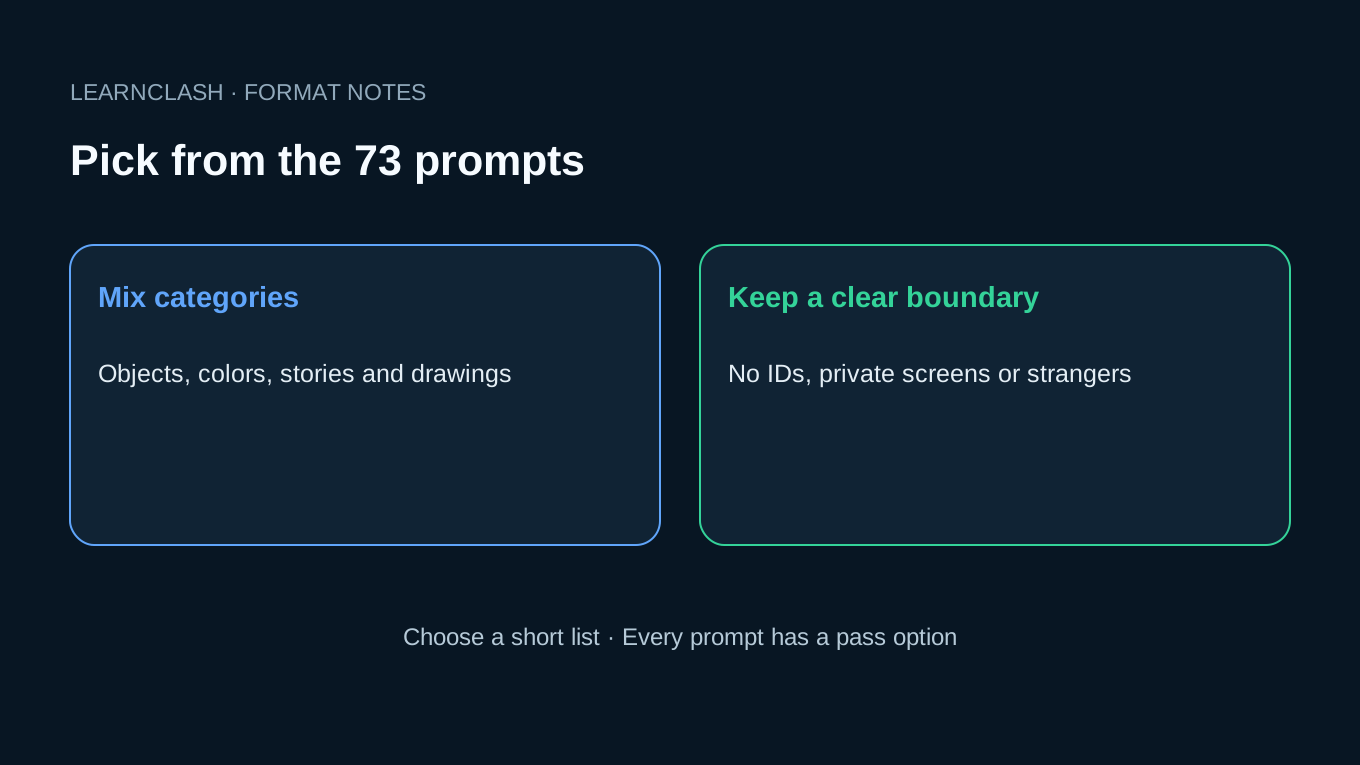
Choose 12 to 25 prompts from the eight categories below. Mix objects with drawings and stories. Check the whole list before the game: nobody should need to show an ID, share a private message, photograph a stranger, or leave a safe area. Every prompt can be passed or replaced with a drawing.
Home-office objects (15 prompts)
- Your work mug.
- A blank sticky note.
- A wired mouse.
- A USB cable longer than your forearm.
- A printer (any printer).
- A monitor stand or stack of books holding up a monitor.
- A planner or notebook.
- Headphones.
- An unprinted lanyard.
- A coffee or tea container with a brand name visible.
- A desk plant.
- An empty box with address labels removed.
- A pen that no longer works.
- A whiteboard, real or virtual.
- A second screen, however improvised.
Personal items (10 prompts)
- A childhood photo (you in it).
- A book you have not finished.
- A closed travel guide.
- A concert or movie ticket stub.
- A piece of jewelry from before you turned 20.
- Something handmade by someone you know.
- A keychain that came with a story.
- A piece of clothing more than 10 years old.
- A souvenir from a trip.
- A signed note or autograph from anyone.
View-based finds (8 prompts)
- The view from your office window.
- A drawing of an app icon.
- A patch of sky seen through a window.
- The oldest book in your eyeline.
- Something blue within 3 meters.
- A piece of art on your wall.
- The mess you have not cleaned up yet.
- A view through any door.
Color hunts (10 prompts)
- Something orange.
- Something with three colors.
- The brightest object in your room.
- Something matte.
- Something see-through.
- Something with a pattern that repeats.
- Something gold.
- A color match for your shirt.
- The most unusual color in your room.
- A color you could invent a name for.
Tech (8 prompts)
- A device older than 5 years.
- A cable nobody knows the use of.
- A blank envelope.
- The slowest device you still own.
- A QR code on public packaging.
- An unplugged USB drive or its empty case.
- A subscription you forgot about.
- The first ever digital photo of yourself you can find.
Kitchen (10 prompts)
- A spice you have never used.
- The oldest item in your fridge (do not eat it).
- Something fermented.
- A pan that has lasted 10+ years.
- A mug from a place you no longer live.
- A snack you bought yesterday.
- The most colorful item in your fridge.
- A cookbook.
- A measuring spoon.
- Something edible that is also a souvenir.
Memory lane (6 prompts)
- A handwritten note.
- A keepsake from a wedding you attended.
- The first wallet you remember owning.
- A toy you saved.
- A cassette, VHS, CD, or DVD.
- A drawing you made long ago.
Photo challenges, small tasks (6 prompts)
- Take a selfie with a pet.
- Show 3 different shoes in 30 seconds.
- A word you write for this round.
- Recreate a famous album cover with desk objects.
- Draw an imaginary browser tab.
- Make a 5-second video of your morning routine.
The work-from-home crowd pulls from categories 1 through 4. Family game nights skew to 6 through 8. Classrooms run 4, 5, and 8.
Build one short list
For a twelve-prompt game with friends in homes you do not know, pick a mug, a pen, a book, a blue item, a kitchen tool, a drawn app icon, an old toy, a piece of fruit, a handmade object, a song title, a blank card and an invented browser-tab drawing, then let each person replace anything they cannot safely reach or prefer not to show. Twelve is plenty.
Virtual Scavenger Hunt for Remote Employees
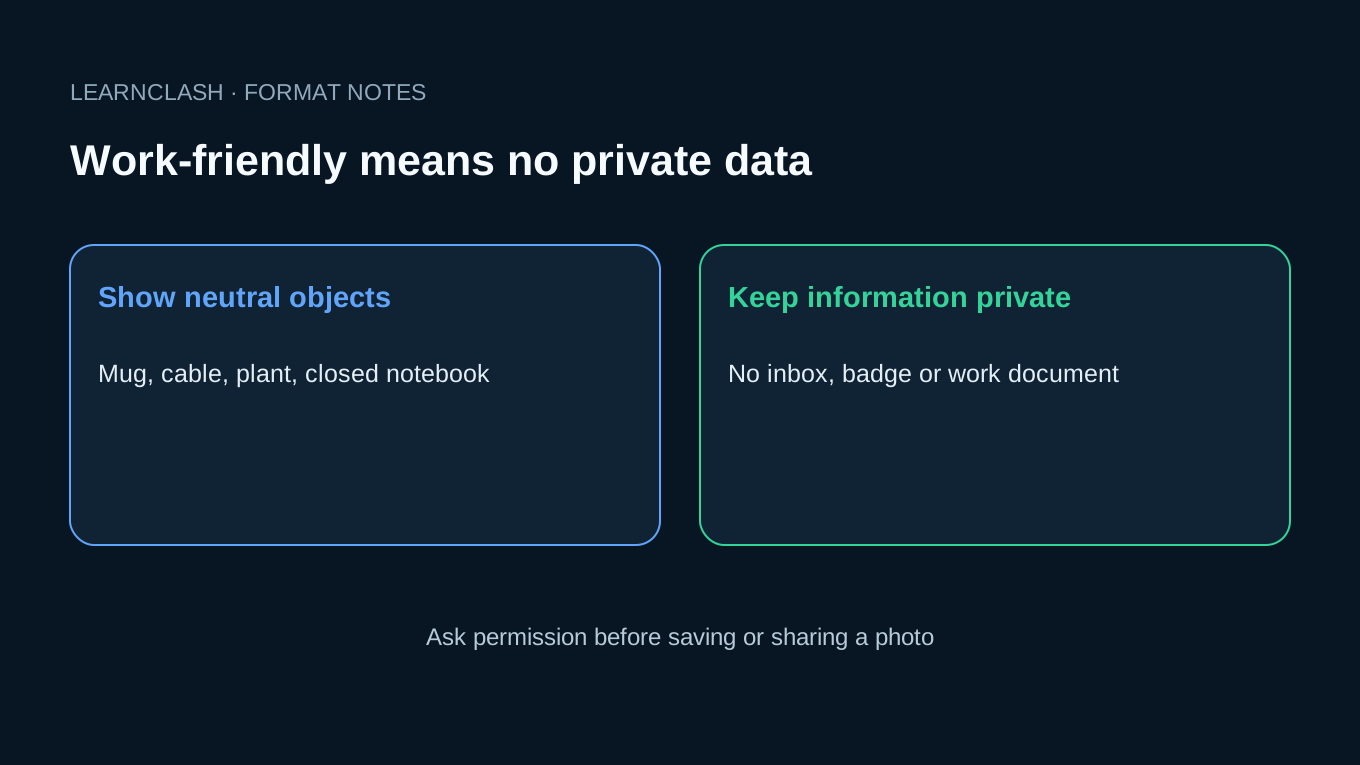
For a work call, choose neutral objects and keep screens and documents out of view. Tell everyone that passing is fine. The 18 prompts below can fill a 30-minute meeting including instructions, answers, stories, and scoring.
Use this 18-prompt work-safe list for a 30-minute meeting block:
| Round | Prompt | Why it works |
|---|---|---|
| 1.1 | Show your work mug | Easy warmup, instant context |
| 1.2 | A sticky note with this week’s date | Calibrates to current work |
| 1.3 | The longest cable on your desk | Gentle weirdness |
| 2.1 | A drawn app icon | A screen-free clue |
| 2.2 | Something blue within reach | Movement break |
| 2.3 | The book closest to your laptop | Personal but not deep |
| 3.1 | A snack that arrived this week | Food breaks the meeting tone |
| 3.2 | Your office plant or fake plant | Inclusion of failure plants |
| 3.3 | A souvenir from any work trip | Shared travel context |
| 4.1 | A pen that no longer works | Universal grievance |
| 4.2 | Your morning playlist | Music reveals personality safely |
| 4.3 | A blank greeting card | No private message |
| 5.1 | The slowest device you own | Tech humor |
| 5.2 | A second monitor or improvised one | Setup reveal |
| 5.3 | A piece of office swag | Brand context |
| 6.1 | An ordinary desk object | Easy to show |
| 6.2 | A closed notebook | Keep its contents private |
| 6.3 | A cable from a device you no longer own | Bonus humor round |
Give one point for a valid find. If the group wants stories, allow time for them without requiring anyone to share personal details. Save or repost photos only with permission.
An optional shared album can hold the pictures people choose to contribute. Agree who can see it and when it will be deleted.
What the workplace survey actually says
Gallup’s 2025 remote-work research named the paradox plainly: fully remote workers reported 31% engagement, higher than hybrid and on-site groups, yet only 36% said they were thriving in life. These are results from a 2025 workplace survey, not evidence that scavenger hunts improve wellbeing.
For teams across time zones, run the async version next to the 17 virtual team building games ranked for camera-load and replay value. For broader workplace prompts that pair with the scoring rules above, see the team-building trivia question bank.
An easy work round
If someone joins from a shared office where they cannot leave the desk, let them draw the object or name what they would have chosen, and give that response the same point as a physical find so the game does not favor the person with the largest room. Ask before you share.
Virtual Scavenger Hunt for Adults
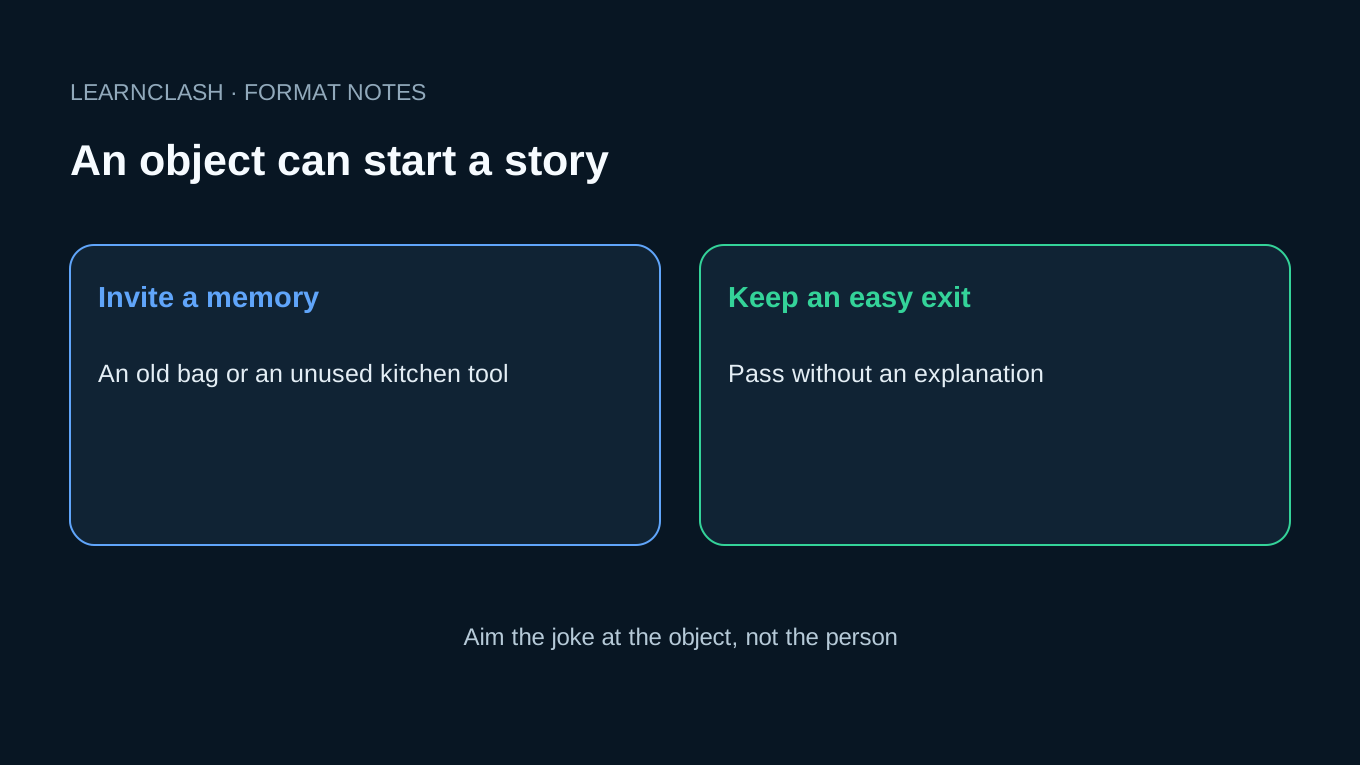
For friends, use objects as an excuse to tell a story. A worn-out kitchen tool can be funnier than a race across the house. Choose the prompts together, keep private messages off screen, and let everyone pass without an explanation.
Use this list for friends, dinner-party Zoom rounds, or virtual game nights. Try teams of four and a five-minute timer per round, then adjust to the group.
12 prompts that produce stories
- The oldest piece of clothing you still wear in public.
- The most expensive thing you bought before turning 25.
- A book you lied about having read.
- A drawing of an imaginary browser tab.
- A photo from your worst haircut.
- A blank postcard you kept.
- The most niche subscription you pay for.
- The kitchen tool you bought thinking you’d use it weekly.
- A souvenir from a place you cannot find on a map without help.
- The most useless gift you kept anyway.
- An old shopping bag with a story.
- Something in your home that nobody else would understand the meaning of.
Funny twist rounds
After the main 12, add a few quick rounds to keep the energy:
- 30-second find: hold up the closest object older than the youngest player
- Fridge photo: send a phone photo of your fridge contents in 30 seconds
- Year-16 song: play 5 seconds of the song that defined the year you turned 16
Keep the joke kind
The adult version works because it grants permission to mock the past. Workplace icebreakers almost never get to do that; a late-night game with friends does.
Two rules keep the night on the right side of funny. Jokes aim at the past, never at the person in the tile. And anyone can pass any prompt with zero explanation, because without that exit the game tips from funny into confession theater.
When the objects run out
Pair the adult prompts with 211 this-or-that questions for the rounds where physical items run out, or use a would-you-rather round when the room needs sharper opinions.
Virtual Scavenger Hunt for Kids
For children aged five to seven, ask a responsible adult to read the prompts and help with the camera. Try five-minute rounds of three objects, all within easy reach. The age bands below are suggestions; adjust to the children in the room. This is a standalone activity, not a recommendation of LearnClash for under-13s.
Ages 5 to 7 (15 simple-object prompts)
- Something blue.
- A toy with eyes.
- A book with a number on the cover.
- Something that smells nice.
- A spoon.
- Something you wear in winter.
- A plant.
- Something round.
- A drawing of your pet or favorite animal.
- A toy that makes a sound.
- Something cold.
- A pillow.
- Something small enough to hide in your hand.
- A piece of fruit.
- Something striped.
Ages 8 to 10 (12 light-reasoning prompts)
- Something you can fit inside something else.
- A book that is older than you.
- The remote control for a device that is no longer in the house.
- Something with words in another language.
- A coin from another country.
- Something with the number 7 on it.
- A photo printed on paper.
- A toy that takes batteries.
- A piece of school work you are proud of.
- The smallest book you own.
- Something handmade by someone you know.
- A souvenir from a trip.
Ages 11+ (10 story-friendly prompts)
- A book you secretly liked.
- The first piece of art you made that you still keep.
- A device you have outgrown but cannot throw out.
- A piece of writing you wrote before you turned 10.
- Something that reminds you of your best friend at age 8.
- A toy you would still play with if no one was watching.
- The most valuable thing in your room (not money).
- A song that played at every birthday before you turned 12.
- Something that belonged to a family member who is no longer in your house.
- A note you wrote to a future version of yourself.
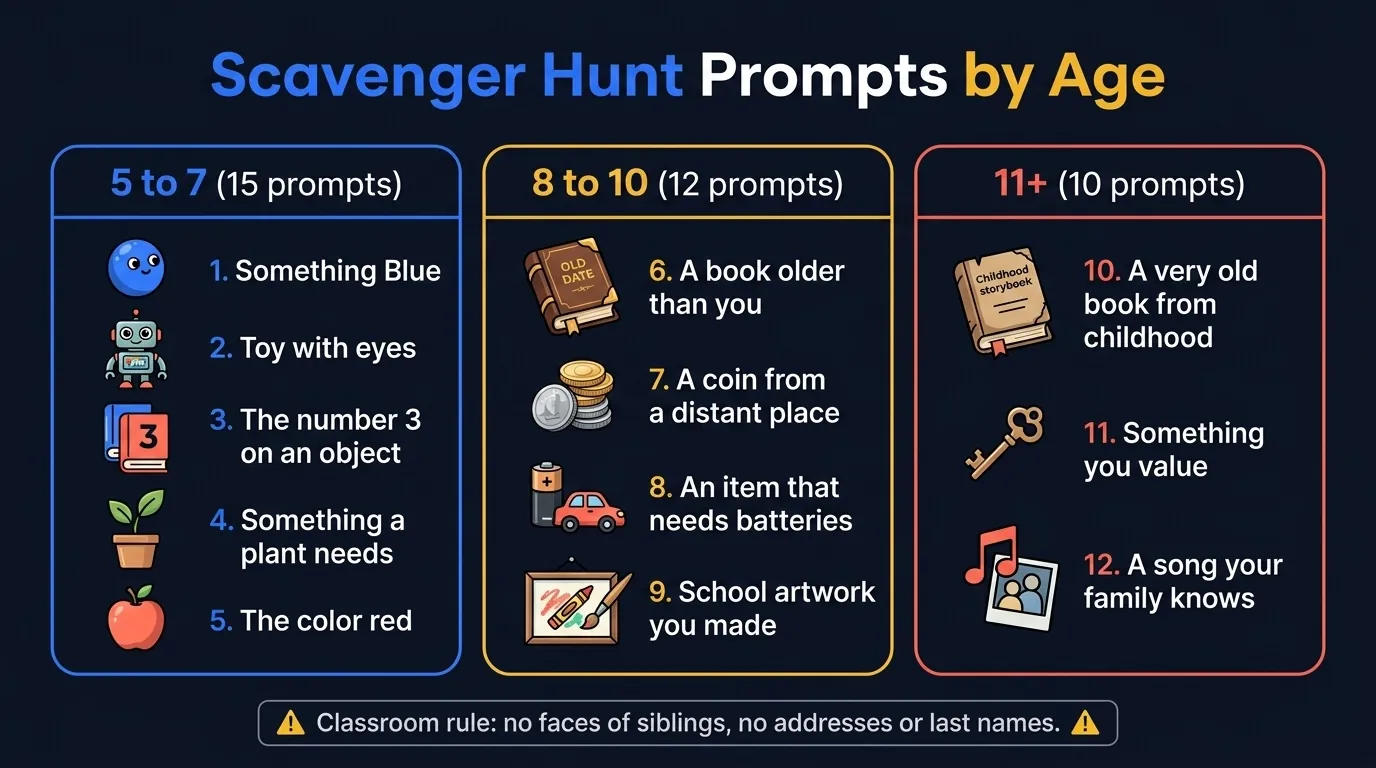
For classrooms, run with parental sharing rules: items must be neutral, no photos of siblings without consent, no addresses or last names visible. For follow-up rounds in a school context, our trivia questions for kids guide maps difficulty by age band the same way, and road-trip trivia rounds cover the car-time version of the same hunt.
Keep the adult nearby
Before the timer starts, ask the adult to check that the three objects are in reach, that the child can stay in the same safe space, and that nothing shown to the camera contains a name, school address, private photo, or another person who has not agreed to join. Short is fine.
How to Run a Zoom Scavenger Hunt (Setup + Rules)
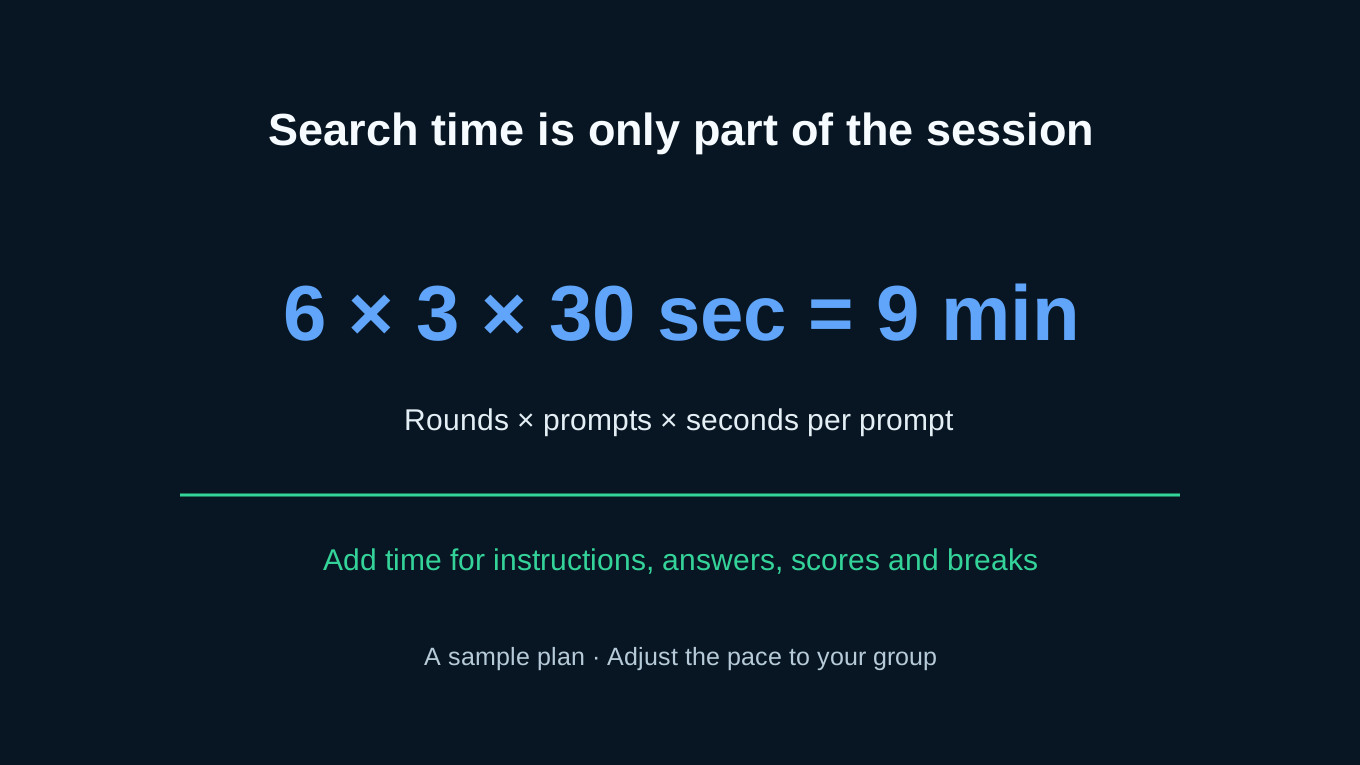
Prepare gallery view, a visible timer, and one person to read the prompts. Six rounds of three prompts at 30 seconds each give nine minutes of search time. Leave room for instructions, answers, and breaks.
Pre-meeting checklist
- Pick 18 prompts, split into 6 rounds of 3
- Switch to gallery view so every player stays visible on one screen
- Mute everyone by default, let players unmute on their turn
- Open a notes doc or chat tab for live scoring
- Pick a 30-second timer (phone, browser, or Zoom plugin)
- Test mic and camera before guests arrive
Rules to read at the start (60 seconds)
- 3 prompts per round, 30 seconds each.
- Hold the item to camera to score.
- Pass option anytime, no explaining.
- One point per item shown in time.
- Bonus point for the funniest version of the same item.
- Host scores out loud at the end of each round.
Read the points after each round so players can catch missed answers. Passing remains allowed; a quiet player does not owe an explanation.
Common Zoom failure modes (and the fix)
| Failure mode | Why it happens | Fix |
|---|---|---|
| One player dominates | Eager teammate answers everyone’s prompt | Round-robin: only the named player can answer |
| Lag eats the timer | Camera latency makes “first to camera” unfair | Shift to “all players show, host scores all who made it” |
| Host runs the timer poorly | Manual timing drifts | Use a visible browser-tab timer all players can see |
With more than twelve people, try smaller rooms if the host cannot see every answer. Start with four per room and ask one willing person in each room to read the prompts and count points. Use the same list, then bring everyone back for the last two rounds. This is a hosting suggestion, not a tested group-size rule.
Virtual Holiday Scavenger Hunt Ideas
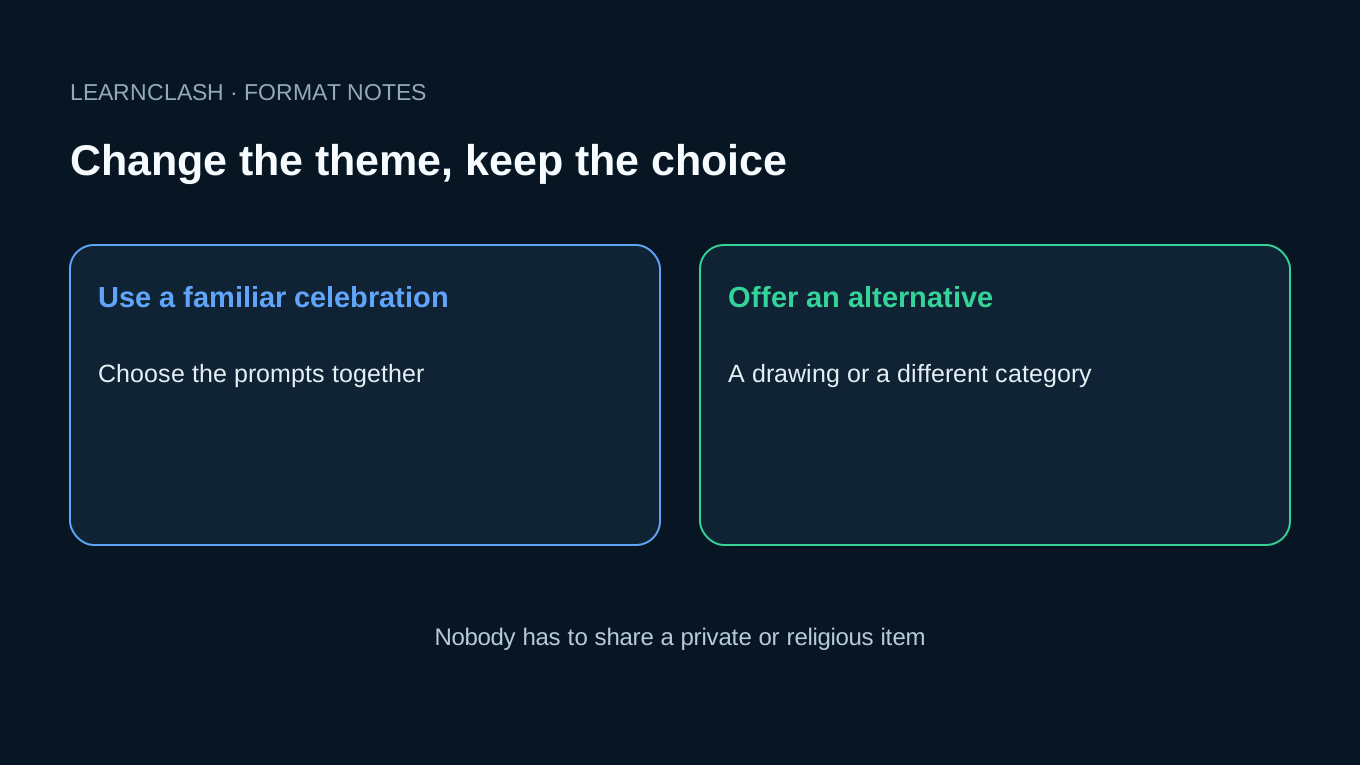
Keep the same short-round format and change the theme. The five lists below contain eight prompts each. Players can skip a holiday they do not celebrate or replace any personal item with a drawing.
Christmas (8 prompts)
- An ornament with a story behind it.
- A holiday card from this year.
- The oldest decoration in the house.
- A red and a green item that match.
- Wrapping paper from any year.
- A holiday playlist on your phone.
- A holiday photo from your childhood.
- A gift you received and will not use.
Halloween (8 prompts)
- The scariest book you own.
- A candle (any candle counts).
- Something orange or black.
- A photo from a past costume.
- A skull, real or fake.
- The weirdest food in your kitchen.
- A hat that could pass as costume.
- A jack-o-lantern, real, paper, or LED.
Valentine’s Day (8 prompts)
- A card from a partner, friend, or pet.
- Something heart-shaped.
- A souvenir from a first date.
- A piece of chocolate.
- A song that defined a relationship.
- A flower (real, fake, or pressed).
- A love note you write on the spot.
- The most romantic item in your kitchen.
Easter (8 prompts)
- A pastel-colored item.
- Anything egg-shaped.
- A piece of childhood Easter art.
- A spring photo.
- Something fluffy.
- A bunny (toy, photo, or sticker).
- A spring jacket.
- A basket.
4th of July (8 prompts)
- Something red, white, and blue together.
- A photo from a summer cookout.
- A grill tool.
- A pair of sunglasses.
- A flag.
- A piece of summer clothing.
- A photo of fireworks.
- A picnic blanket.
Pair holiday hunts with a holiday icebreaker round for teams that need warmup before the timer starts.
Give the theme an alternative
For a group that celebrates different holidays, offer a choice between a seasonal item, a color, or a drawing of a made-up decoration, so someone who does not observe the holiday can still take the same turn and earn the same point without having to explain their beliefs or family history. Keep it optional.
When a Round Stalls, Change One Rule
A long silence does not tell you that people are lazy. The prompt may be unclear, the object inaccessible, or the camera slow. Check the practical problem before adding pressure.
Too many answers for one host
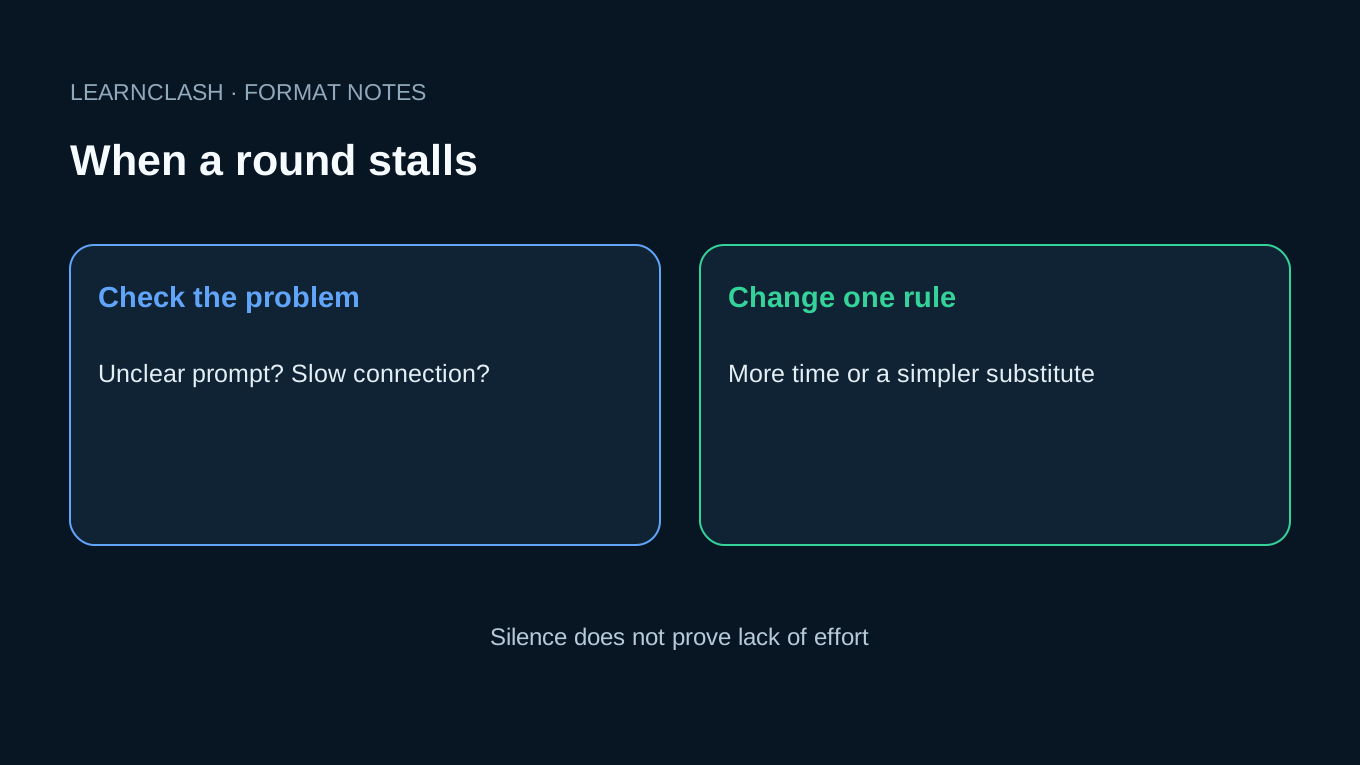
If you keep missing answers, split into smaller rooms or ask a second person to score. Four per room is this guide’s suggested starting point, not a threshold at which effort suddenly changes.
The score feels arbitrary
Define an acceptable answer before the timer starts. A drawing can count if you announced that option. When two people finish at nearly the same time, give both the point; a lagging camera should not decide the game.
Every prompt is another trip across the house
Alternate finds with a story or a drawing. Keep objects within reach when someone has limited mobility. No climbing, handstands, running on stairs, or searching through another person’s belongings.
The clock is too tight
Ask whether reading time or movement caused the problem, then lengthen the next round. A visible timer helps everyone follow the same deadline. It is not a reason to keep a deadline that excludes someone.
If the group wants another kind of game afterward, I build LearnClash, an app for players aged 13 and up. Its quiz duels contain six rounds of three questions per player, with up to 72 hours for each turn. Missed questions can return through spaced repetition. That is a separate quiz format, not evidence that this scavenger hunt improves learning or workplace relationships.
Check one thing at a time
If three players show the right item and one is still looking, pause long enough to ask whether the prompt was clear or the object was out of reach, then change the next round in response instead of deciding that the last person simply did not try. Find the cause first.
Match the Format to the Room
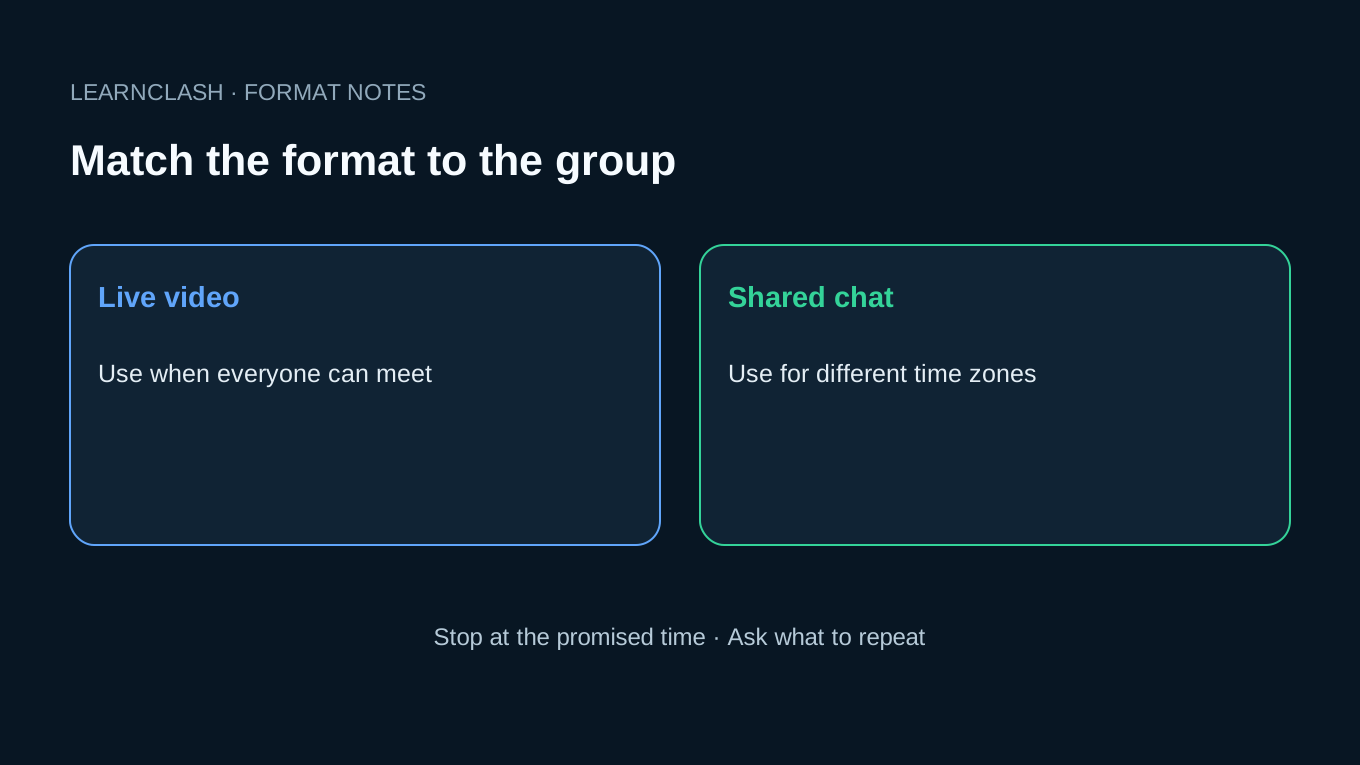
Use live video when everyone is available at once. Choose chat when time zones make a shared call awkward. For a family game, let the youngest player pick a category; for a classroom, agree on sharing rules with the responsible adults first.
Start with 12 to 18 prompts, stop at the announced time, and ask one useful question: which round would you play again? Keep that answer for the next list. Save photos only with consent, and delete any accidental private information.
The activities hub has other formats if finding objects is not what your group enjoys.
Frequently asked questions
How do you do a virtual scavenger hunt on Zoom?
Choose 12 to 20 prompts, explain the pass rule, and use gallery view. Start with 30 seconds per prompt, then allow more time if players need it. Award a point for each valid answer, rather than only the fastest camera.
What items should be on a virtual scavenger hunt list?
Use ordinary objects such as a mug, book, pencil, or toy, plus drawing and story prompts. Avoid IDs, private messages, work documents, risky movements, and photos of other people without permission.
How long should a virtual scavenger hunt take?
Allow 15 to 30 minutes including instructions and scoring. Eighteen prompts at 30 seconds each use nine minutes of search time; breaks and explanations add to that.
What is a good team size for a virtual scavenger hunt?
Four per room is a practical starting point when one host needs to see every answer. It is not a research-proven maximum. Larger groups can take turns, use two hosts, or split into smaller rooms.
Are virtual scavenger hunts good for team building?
They can provide a shared activity, but this guide does not measure a team-building benefit. Keep participation optional and ask the group afterward whether they enjoyed the format.